
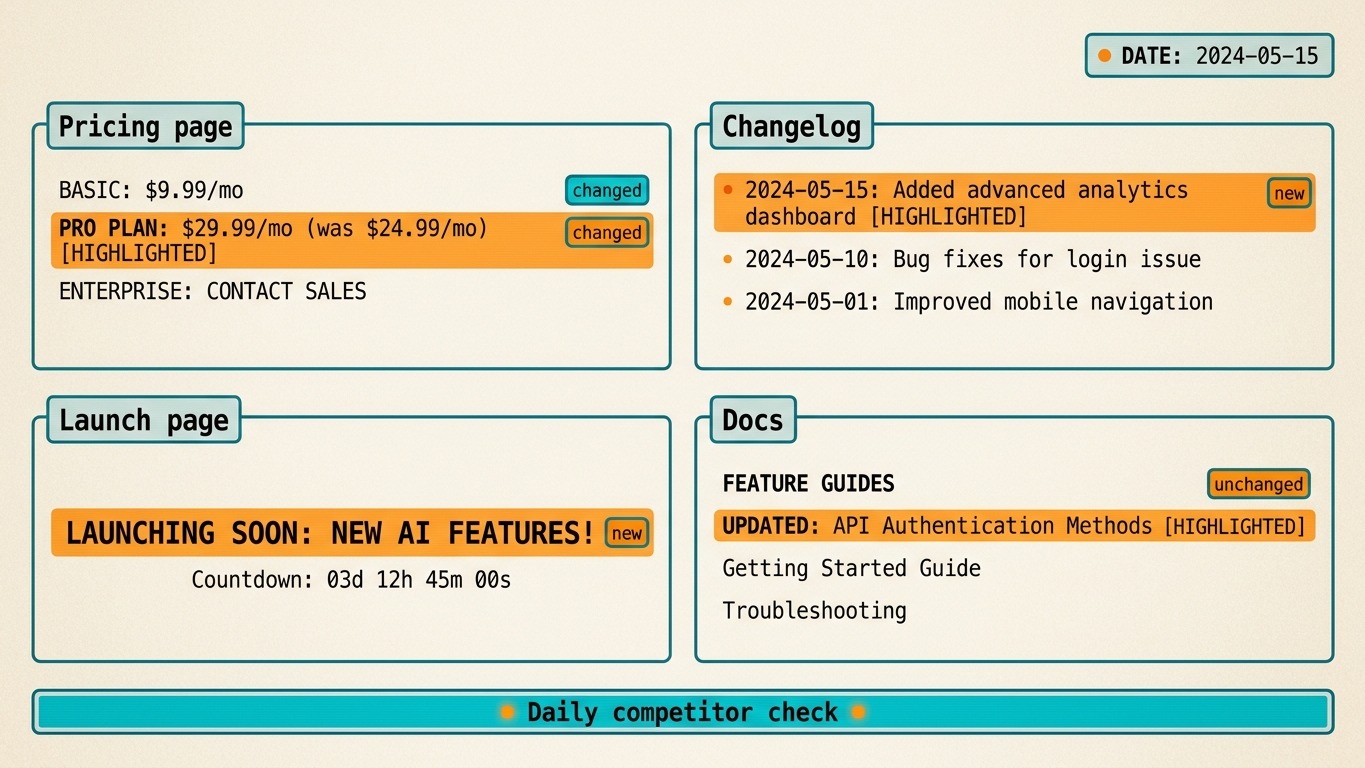
How to Monitor Competitors for Pricing and Launch Changes
If you only check competitor sites manually, you will miss the exact changes that matter: pricing edits, new features, and launch announcements.
Prismfy Team
April 17, 2026
How to Monitor Competitors for Pricing and Launch Changes
If you only check competitor sites manually, you will miss the exact changes that matter: pricing edits, new features, and launch announcements.
A search API gives you a repeatable way to watch those signals every day.
What to monitor
For a useful competitor monitor, focus on the pages that change business decisions:
- pricing pages
- changelogs
- release notes
- launch pages
- blog announcements
You do not need full web crawling to start. You need a small, reliable query that runs on a schedule.
Minimal Prismfy setup
curl -X POST https://api.prismfy.io/v1/search \
  -H "Authorization: Bearer ss_live_YOUR_KEY" \
  -H "Content-Type: application/json" \
  -d '{
    "query": "pricing page changes",
    "domain": "competitor.com",
    "timeRange": "day",
    "language": "en",
    "engines": ["brave", "bing"]
  }'
That query is a starting point. In production, you would run one search per competitor or one search per page type.
Python monitor example
import requests

def competitor_check(domain: str, label: str) -> list[dict]:
    data = requests.post(
        "https://api.prismfy.io/v1/search",
        headers={"Authorization": "Bearer ss_live_YOUR_KEY"},
        json={
            "query": f"{label} updates",
            "domain": domain,
            "timeRange": "day",
            "language": "en",
            "engines": ["brave", "bing"],
        },
        timeout=30,
    ).json()
    return data.get("results", [])[:3]

results = competitor_check("competitor.com", "pricing")
for item in results:
    print(item["title"], item["url"])
How to use the output
The best workflow is not "send everything to Slack." The best workflow is:
- Run the search on a schedule.
- Compare new results with the previous run.
- Flag only the pages that actually changed.
- Send a short summary to the team.
That keeps the monitor useful instead of noisy.
Common mistakes
- Monitoring every page on every competitor.
- Alerting on irrelevant blog posts.
- Treating search results as the final output instead of a change signal.
- Writing broad "competitive intelligence" claims without a concrete workflow.
If you want a lightweight competitor monitor, start with Prismfy docs and run POST /v1/search on the pages that matter.
Try it free
Add real-time web search to your AI
Free tier includes 1,000 one-time requests. No credit card required.