
How to Keep RAG Answers Fresh with Live Web Search
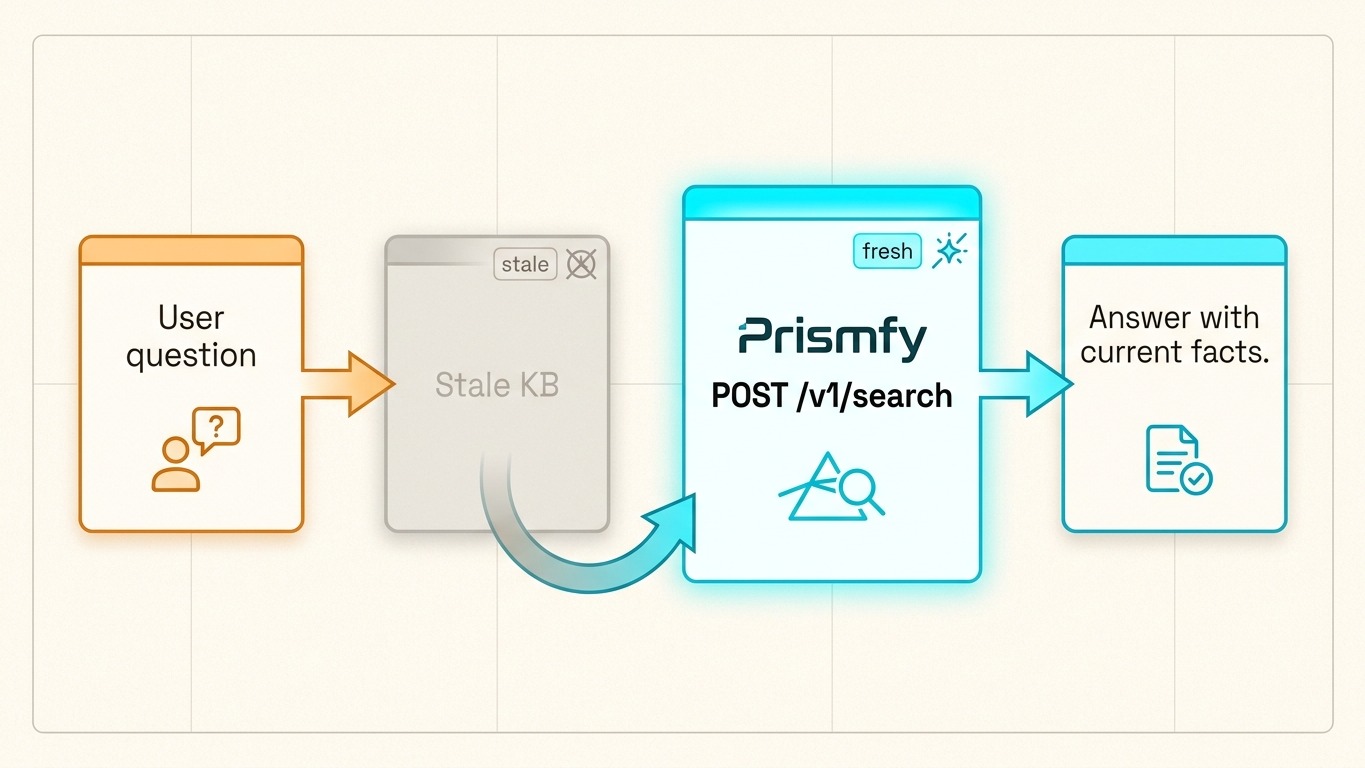
RAG works best when the retrieval layer is current. If your knowledge base is stale, your answer is stale too.
Prismfy Team
April 17, 2026
How to Keep RAG Answers Fresh with Live Web Search
RAG works best when the retrieval layer is current. If your knowledge base is stale, your answer is stale too.
The fix is simple: add a live web search step before the model generates the final response.
The freshness problem
Static indexes are good for stable facts. They are weak when the question depends on recent events:
- release changes
- pricing updates
- current docs
- new research
- active issues or discussions
Instead of rebuilding your whole pipeline, insert a live search request right before the answer step.
Minimal Prismfy pattern
curl -X POST https://api.prismfy.io/v1/search \
  -H "Authorization: Bearer ss_live_YOUR_KEY" \
  -H "Content-Type: application/json" \
  -d '{
    "query": "latest changes to Anthropic API",
    "engines": ["brave", "bing"],
    "timeRange": "week",
    "language": "en"
  }'
That call returns fresh results you can merge with your existing vector store or prompt context.
A simple retrieval pattern
Use this flow:
- Query your vector store or internal knowledge base.
- Check whether the answer depends on current information.
- If yes, call Prismfy with the user question.
- Merge the top live results with your retrieved documents.
- Generate the final answer from both sources.
The important point is that live search should supplement RAG, not replace it.
For a complete agent implementation using this pattern, see how to add live web search to an AI agent.
Python example
import requests

def fresh_context(query: str) -> list[dict]:
    response = requests.post(
        "https://api.prismfy.io/v1/search",
        headers={"Authorization": "Bearer ss_live_YOUR_KEY"},
        json={
            "query": query,
            "engines": ["brave", "bing"],
            "timeRange": "week",
            "language": "en",
        },
        timeout=30,
    )
    response.raise_for_status()
    return response.json().get("results", [])[:5]

results = fresh_context("latest changes to Anthropic API")
for item in results:
    print(item["title"], item["url"])
Common mistakes
- Using web search for every question, even when the answer is stable.
- Dumping all live search results into the prompt.
- Treating freshness as a separate system instead of a retrieval step.
- Forgetting to cite the sources that updated the answer.
If your RAG answers need a freshness layer, start with Prismfy docs and insert POST /v1/search before generation.
Try it free
Add real-time web search to your AI
Free tier includes 1,000 one-time requests. No credit card required.